
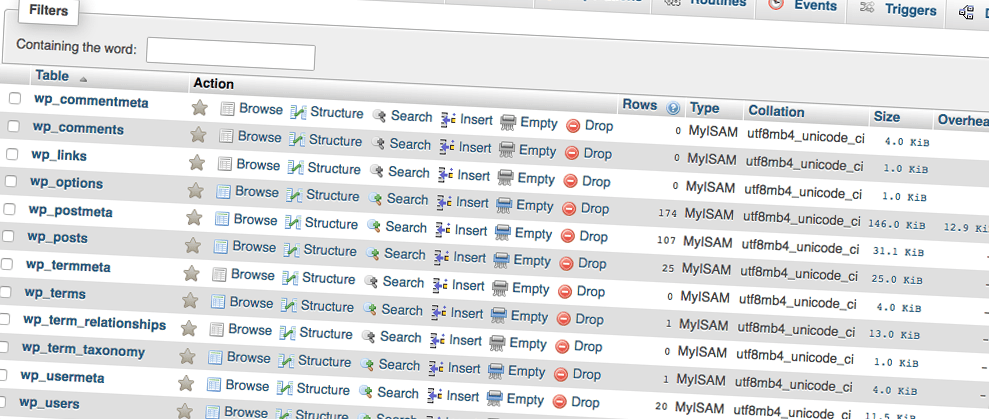
This website has been running for a couple of years now, and the database has continued to grow with it! Yesterday I looked into how I could remove some of the redundant content and reduce the overall size.
I found an article by ProBlogDesign entitled “How to Optimize a WordPress Database” which was very helpful.
In particular, I found the following points the most handy:
-
MySQL Optimize:
In phpMyAdmin, just select the table, go to the “Operations” tab, and then click “Optimize Table.”
-
Delete All Post Revisions:
Add this line to your wp-config.php file to stop future revisions being stored:
[php]
define(‘WP_POST_REVISIONS’, false);
[/php]Then clear all the revisions stored in the database with this SQL command:
[sql]
DELETE FROM wp_posts WHERE post_type = ‘revision’;
[/sql]
There are many more things you can do to ensure your database is running as efficiently as possible. Check out Michael Martin’s post to find out more.